Of all our competitors, Yodeck is the closest to us. It also runs on Raspberry Pi, it also gives you the first screen for free, and its entry plan costs €8 per screen per month. Unlike Samsung VXT, it includes outage alerts and scheduled screen power even in that plan. But as soon as you want to connect your own system through an API, keep branches or brands apart, see in an audit log who changed what, or sign in with a company account, you need the Premium plan at €11, or Enterprise at €15.
We don’t have plans. Every customer gets every feature and pays only for the number of screens, because we don’t want to limit customers based on how much they pay.
How Yodeck works and how Bohemica Signage works
Yodeck is a cloud content management system from Athens. It has been around since 2012 and, according to its website, more than 65,000 companies use it. You prepare content, playlists and schedules in the browser, and Yodeck sends them to the players. Its own Yodeck Player is a Raspberry Pi 4 with the system preinstalled. If you pay annually, you get one free with every screen. Yodeck also runs on Samsung and LG displays, on Android, Windows, Amazon Fire TV, BrightSign players and in a web player.
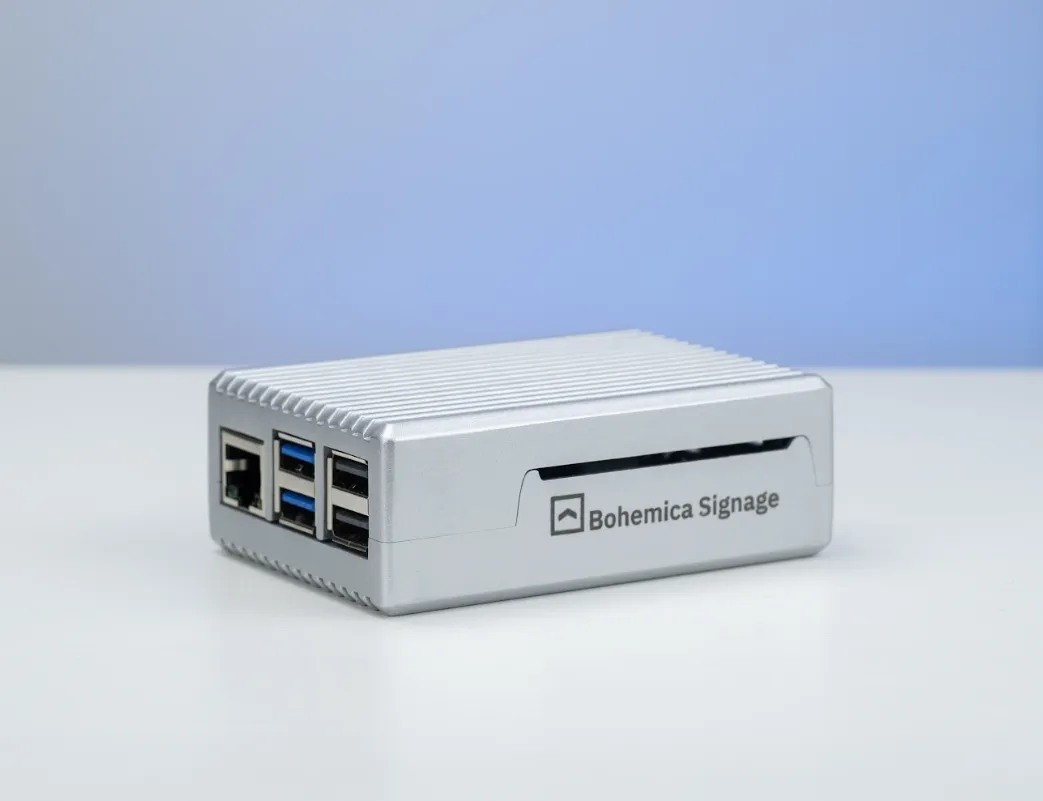
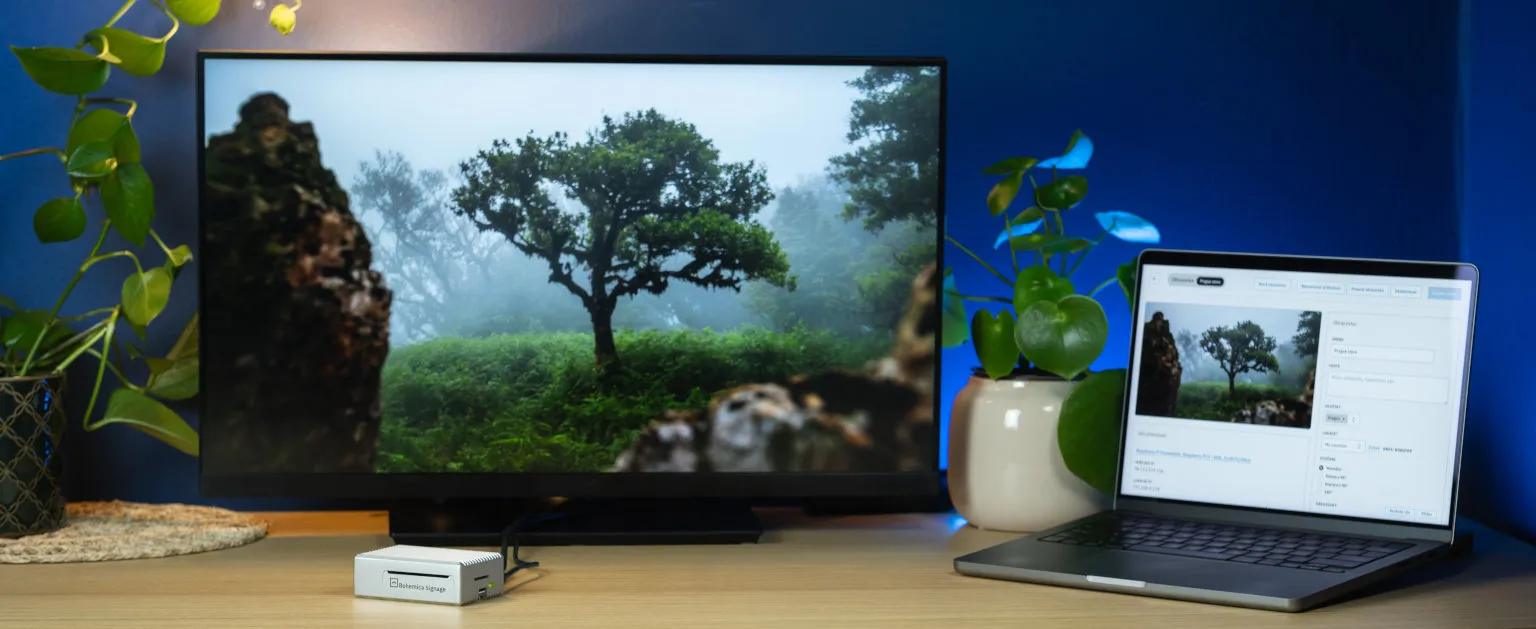
We recommend connecting a Raspberry Pi 5 behind the screen, or an ASUS NUC for 4K. That way the display can come from any manufacturer, even a regular TV. It isn’t a requirement, though: our player can also run in a browser, for example the one built into a smart TV. We still recommend our own player, because on it we control the whole system, updates included. We don’t support Windows on purpose, because it can show a system dialog or start an update at the worst possible moment.
What Yodeck costs
Yodeck publishes its prices on its website. They are per screen and are the same for monthly and annual billing:
| Plan | Per screen per month | Per screen per year |
|---|---|---|
| Free | free, one screen | free |
| Basic | €8 | €96 |
| Premium | €11 | €132 |
| Enterprise | €15 | €180 |
| Enterprise+ | on request | on request |
On 1 April 2026 Yodeck raised Premium and Enterprise by one dollar per screen per month, while Basic stayed the same. With annual billing you get a free player for every screen: a Raspberry Pi 4 with 1 GB of memory on Basic, and a 4 GB version on the higher plans. If you have your own device, you get a discount of €20 or €60 per screen instead.
Yodeck offers volume discounts only above 50 screens, and only by agreement with its sales team. Up to 50 screens you pay the list price.
What Bohemica Signage costs
With us you pay monthly for each active screen, and the price drops as the number of screens grows. The first screen is free forever.
| Number of screens | Per screen per month | Per screen per year |
|---|---|---|
| 2 to 9 | €8.90 | €106.80 |
| 10 to 19 | €7.90 | €94.80 |
| 20 to 49 | €6.90 | €82.80 |
| 50 to 99 | €5.90 | €70.80 |
| 100 or more | €5.50 | €66 |
We have no higher plan and you don’t pay for additional users. Everything we describe below is included in the price.
If you need a guaranteed response time, you can add an SLA for €15 per screen per month. For larger numbers of screens, the SLA price is agreed individually.
What Yodeck keeps for its higher plans
Yodeck’s entry plan is generous. Email alerts when a player goes offline, a screenshot of what a screen is showing right now, content with an expiry date, temporary takeover of the schedule and turning screens off over HDMI are all in Basic. The number of users is unlimited. Here is what Basic doesn’t have:
| Feature | Basic | Premium | Enterprise | Bohemica Signage |
|---|---|---|---|---|
| API for connecting your own systems | no | yes | yes | yes |
| Proof of play reports | no | yes | yes | for music and ad spots |
| Separate branches or brands in one account | no | no | yes | yes |
| Audit log | no | no | yes | yes |
| Company account sign-in (SSO) | no | no | yes | yes, with Google and Microsoft |
If you need even one item from the last three rows, Yodeck charges €15 per month for every screen.
Features that matter in day-to-day operation
Syncing multiple screens
Yodeck can build a video wall from any number of screens, each with its own player. But you prepare a separate video with its own crop for each screen, and according to Yodeck’s own guide the sync may not be perfect. The players sync by time and, according to Yodeck, can drift apart by 0.1 to 0.5 seconds, mostly with video. That is why Yodeck recommends putting a static image of at least four seconds between videos, so the players can line up again.
With us, video is synced frame-accurately across multiple players, so you can build one large picture from several screens without an expensive video wall controller and without images between the videos.
Departments and branches
Both systems allow unlimited users. But Yodeck lets you split an account into separate parts for branches, brands or clients only on the Enterprise plan. The same goes for custom roles and finer permissions.
With us, you keep departments or brands apart in one account at no extra cost. Administrator, editor and media manager roles are included.
In-store music and ad spots
Yodeck plays audio in any format and can stream internet radio. Volume by time of day is only available from the Premium plan, and that is also where you get proof of play reports, which come in handy when you sell airtime to other companies.
With us, you play your own music and insert ad spots between the tracks. Each group of spots has its own frequency from 1 to 120 plays per hour, the spots are spread evenly, and after a break the music picks up where it left off. In the overview you can see how many times a spot actually played compared with the plan, and you can show this report to your suppliers. We didn’t find spot scheduling by plays per hour in Yodeck.
Video
Yodeck always converts video for its player when you upload it. With us, you choose. You can have the video converted into several qualities up to 4K, and each screen then gets a version it can play smoothly. We recommend it, but if your video is already prepared exactly the way you want, you can upload it unchanged.
Which one is cheaper
Up to nine screens, Yodeck Basic is cheaper. You pay €96 per screen per year against our €106.80, and with annual billing you get a player on top. From ten screens our licence is cheaper, and the gap grows with the number of screens, because Yodeck has no volume discounts up to 50 screens.
For a network of 50 screens, the numbers depend on which Yodeck plan you need:
| Per year for 50 screens | Price |
|---|---|
| Yodeck Basic | €4,800 |
| Yodeck Premium | €6,600 |
| Yodeck Enterprise | €9,000 |
| Bohemica Signage | €3,540 |
Yodeck includes the players in the price; with us you need to buy them, unless you use the browser in the TV. A Raspberry Pi 5 with a power supply, case and memory card comes to around €100, so about €5,000 one-off for 50 screens.
If Yodeck Basic is enough for you, you save €1,260 a year with us and the players pay for themselves in about four years. If you need Enterprise for departments, the audit log or company sign-in, it looks different:
- €9,000
- per year for Yodeck Enterprise (50 × €180)
- €3,540
- per year for Bohemica Signage (50 × €70.80)
- €5,460
- difference in one year
The difference covers the players within the first year. Above 50 screens you can negotiate a discount with Yodeck, so the real price may be lower than the list price.
Cloud or your own server
Yodeck runs in the cloud. Its website offers no version for your own server or for a network cut off from the internet. Its security on the Enterprise plan is thorough: encrypted player storage, custom password rules and allowed IP addresses.
Most of our customers use the cloud too. But in enterprise deployments we can run the system on the customer’s own server. We know what corporate IT departments ask for: Žabka is part of the Tesco group, and before going live we had to pass its security benchmark. We passed and became an approved supplier. Sign-in is protected by two-factor authentication or a Google or Microsoft company account, we manage the players through an encrypted tunnel with no access from the internet, and an audit log records who did what in the system. All of that regardless of how many screens you have.
Who you deal with
Yodeck offers support through chat and email, with live agents from Monday morning to Saturday morning Athens time; outside those hours an AI assistant answers. Phone support is available in the US, the UK and Australia. Paid accounts take priority over free ones. A dedicated account manager and round-the-clock support come only with Enterprise+.
Behind Bohemica Signage is Bohemica Studio, an agile team of developers. We build the system ourselves and know the whole stack it runs on, from the player to the server. We have our own internal IT department, and you talk to us directly, with no middlemen. When a customer gets in touch with a problem, they talk to the people who can fix it. With Žabka, four days passed between first contact and the launch of the pilot store.
Where Yodeck is better
Yodeck has its own editor with more than 800 templates, over 90 apps ranging from weather to Power BI, and a Canva integration. It can also show documents from PowerPoint, Word, Excel or PDF, and it turns a PowerPoint presentation into a video, animations included. We don’t have an editor and don’t want one. Canva, Figma and Photoshop are far ahead of anything we could build. We recommend preparing content in them, or ordering it from an agency, and uploading the finished images, videos or web pages to Bohemica Signage.
A free player with an annual subscription is a good deal, especially for small networks. You don’t have to buy and set up hardware. Yodeck also runs on more types of devices than we do, including Windows, Fire TV and BrightSign players.
And Yodeck is a large company with thousands of reviews. If you choose based on how many other companies already use a system, you will find more references for Yodeck.
When each one fits
Yodeck makes sense if you have fewer than ten screens, the Basic plan is enough and you want a player that comes with the subscription, no hassle. It also fits if you want to design content directly in the signage system or play Office documents without another tool.
Bohemica Signage pays off from ten screens up, and above all as soon as you need an API, separate branches, an audit log or company sign-in and don’t want to pay for Enterprise for it. It also fits if you want a frame-accurate video wall, want to play music with ad spots in your stores, or if your IT requires running on your own server.
We describe what moving to central management looks like in a large store network in the Žabka case study. If you are also choosing between displays with a built-in player, read our comparison with Samsung VXT.
At a glance
| Yodeck | Bohemica Signage | |
|---|---|---|
| Where the player runs | Raspberry Pi 4, Samsung, LG, Android, Windows, Fire TV, BrightSign, browser | recommended Raspberry Pi 5 (Full HD) and ASUS NUC (4K), also runs in a browser, for example in a TV |
| Hosting | cloud only | cloud, and on your own server in enterprise deployments |
| Price | €96 (Basic), €132 (Premium) or €180 (Enterprise) per screen per year | €66 to €106.80 per screen per year, first one free |
| Volume discounts | only above 50 screens, by agreement | from 10 screens, in the price list |
| Player | free with annual billing | buy your own, or use the TV’s browser |
| Plans | Free, Basic, Premium, Enterprise, Enterprise+ | one, everything unlocked |
| API | from Premium | included |
| Departments, audit log, SSO | from Enterprise | included |
| Screen sync | time-based, up to 0.5 s drift | frame-accurate |
| Video conversion | mandatory | optional |
| In-store music | yes, proof of play from Premium | your own music with ad spots and reports |
| Users | unlimited | unlimited |
| Content editor | yes, 800+ templates | deliberately not, we recommend Canva or Figma |
If you are considering Yodeck, try one screen with us first. It’s free forever, you don’t need a credit card and you get every feature. If you don’t have your own Raspberry Pi, we’ll lend you one. Prices for larger networks are in our price list.